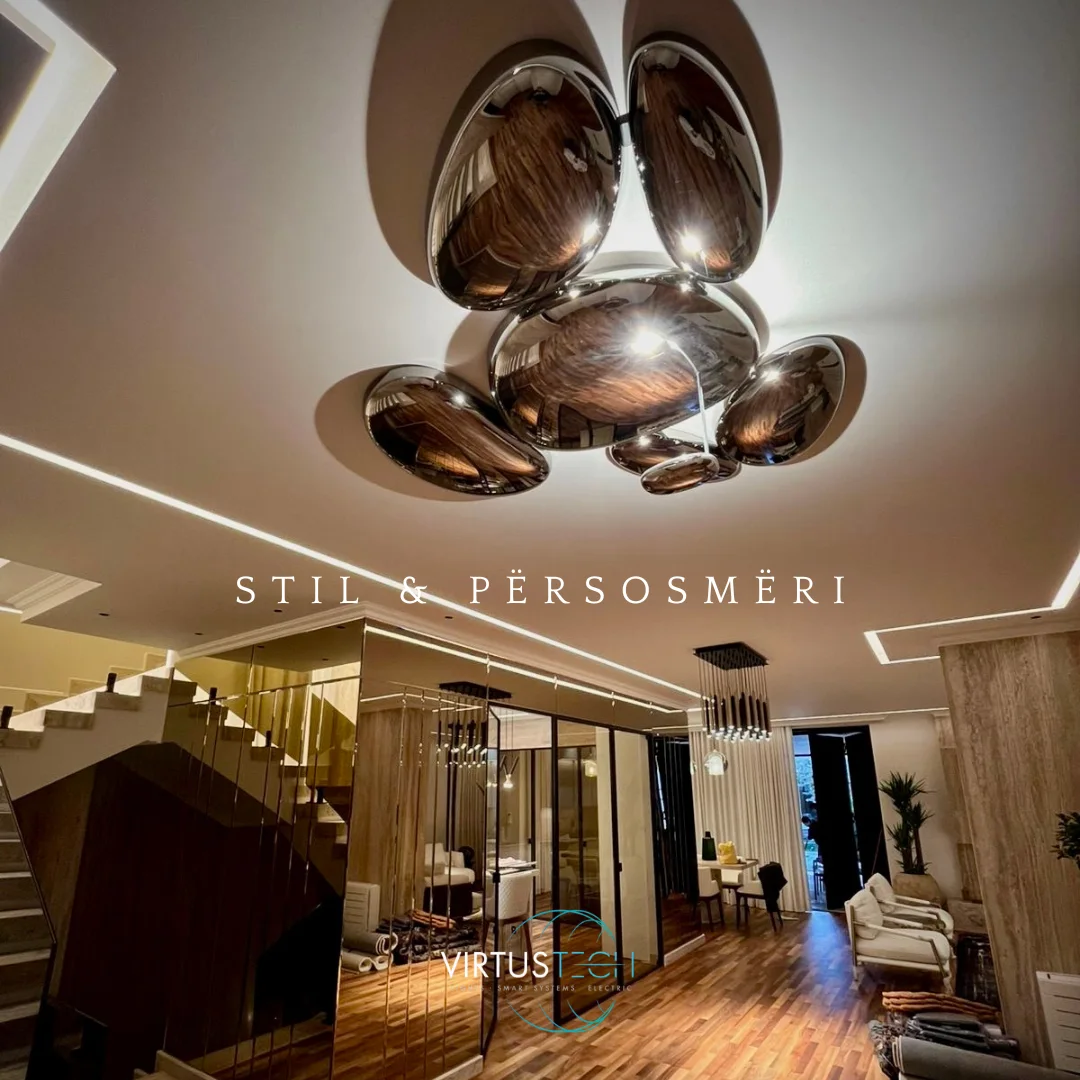
VIRTUS TECH · Our expertise
Smart home & KNX in Tirana
We design and implement KNX smart home systems in Tirana and across Albania. Home automation brings lighting, blinds and climate together with controls and scenes planned around your home, daily routines and renovation or construction schedule.

How we can help.
Planning of connected lighting, shading and climate controls.
Selection of compatible KNX devices and interfaces for the project.
Configuration of scenes, system testing and support for everyday use.
Published on KNX
KNX projects in Tirana
Explore three residential installations published in the KNX project directory. Each listing names VIRTUS TECH and describes the systems installed.
Tirana · Completed in 2025
Residential apartment
The apartment combines scheduled lighting and dimming with room-by-room climate control and motorised shading. The listing also describes wall controls, touch panels and smartphone operation.
View the KNX listing: Residential apartmentTirana · Completed in 2024
Villa at Luminor Residence
This villa in Lundër integrates lighting, climate and underfloor heating with KNX. Its published scope includes DALI and 0–10 V dimming, an IP intercom, alarm integration and mobile control.
View the KNX listing: Villa at Luminor ResidenceTirana · Completed in 2025
Lake View Residence
LED dimming and lighting scenes work alongside motorised blinds and curtains. The project description explains how residents operate lighting and shading through wall switches, touch panels and mobile apps.
View the KNX listing: Lake View Residence
Plan your project with us in Tirana
Discuss your KNX project with our team in Tirana. Bring your room plan, the functions you want to control and details of existing equipment. Contact us to arrange the discussion and confirm any specific device you would like to see.
VIRTUS TECHAutostrada Tiranë–Elbasan, KM 2, Godina Nr. 2Opening hours
- Monday–Saturday
- –
- Sunday
- –
Local time in Tirana. Check Google Maps for holiday hours.
Request a consultation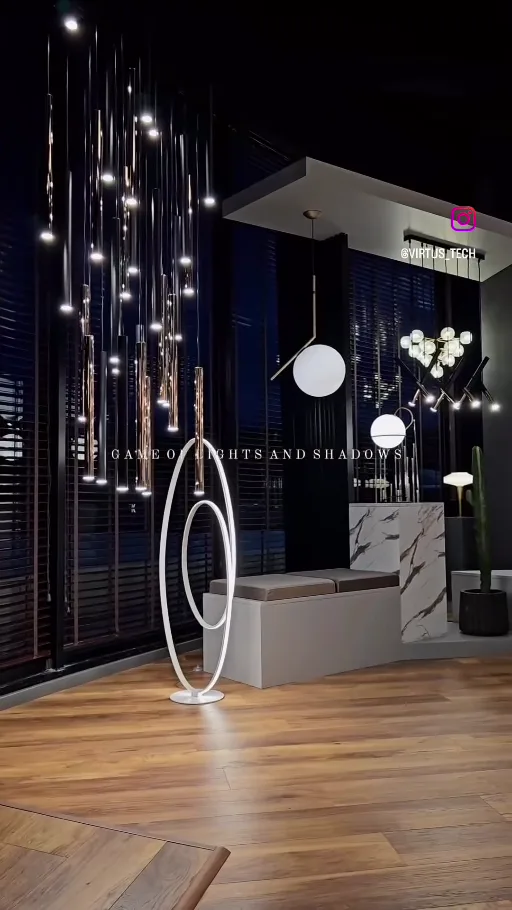 Watch the showroom film
Decide how each room should work.
A useful smart home brief starts with everyday routines. Set out the functions you need before selecting switches, sensors and other devices.
Map your routines
List what should happen when you arrive, leave or settle in for the evening. Identify the lighting groups, blinds and temperature zones involved, and which actions you want to control yourself.
Coordinate the building systems
Review lighting circuits, shading motors and heating or cooling equipment together. In a new build or renovation, agree cable routes, panel space and device positions before finishes are completed.
Keep daily control clear
Decide where wall controls belong and what each button should do. Include configuration, testing and an explanation of everyday operation in the project scope, alongside the equipment list.
Bring to the first discussion
- A floor plan and the current stage of the building work.
- A room-by-room list of functions and priorities.
- Model details for existing lights, blinds and climate equipment.
- Your budget range, timetable and any future phases.
KNX for a new build or an existing home
The right approach depends on access to wiring and the functions you need. KNX can use dedicated bus cabling, radio communication or a combination. Check power-supply requirements even when communication is wireless.
KNX with bus cabling
KNX TP uses a dedicated communication cable. A new build or major renovation offers an opportunity to coordinate its routes with the electrical design before walls and ceilings are finished.
What to check: Review cable routes, panel space, device locations and the controls needed in each room with the designer.
KNX RF or a mixed installation
KNX RF uses radio communication and can be considered where new bus cabling is difficult. Suitable couplers allow RF and wired KNX devices to form part of a mixed installation.
What to check: Have radio coverage, device power supplies and compatibility checked on site. Confirm that the proposed devices and configuration support the functions you need.
A few connected devices
For a small requirement, such as controlling a few lights, compare a limited device setup with a coordinated building system before deciding the scope. The same app label does not establish compatibility.
What to check: Ask which functions work without internet, how wall controls behave, whether accounts or subscriptions are required, and what is needed to add more devices later.
KNX thermostats and presence sensors
Describe the heating and cooling zones, room thermostats and presence sensors needed for everyday use. A motion or presence signal and a temperature measurement serve different purposes; agree how each should affect lighting or climate in the room.
What to check: Review sensor placement and the exact heating or cooling equipment with the designer. Confirm the supported interfaces and manual controls before selecting devices.
Electric blinds and shutter actuators
List the electric blinds, curtains or shutters to be controlled and record their motor references. Shutter actuators and control interfaces must be selected for those motors and the required functions; appearance alone cannot establish compatibility.
What to check: Agree individual and grouped controls, preferred scenes and any sensor inputs. Ask the designer to verify motor requirements and the behaviour of the complete system.
ETS programming and handover
KNX device selection and ETS programming belong to the same project brief. Define the button actions, lighting scenes, schedules and room functions that will be configured and demonstrated, rather than comparing equipment prices alone.
What to check: Agree functional tests, operating instructions, the configuration backup and who maintains it. Record the process for later changes before handover.
How much does a KNX smart home cost in Albania?
A useful price starts with a defined scope. Two homes with the same floor area can need different equipment and installation work. For a project in Tirana or elsewhere in Albania, prepare a room-by-room brief before comparing quotations.
- Circuits and functions
- Count the lighting groups, shading motors and climate zones to be controlled. Specify switching or dimming, manual controls and the scenes you want. These choices help determine the devices and interfaces needed.
- Building stage and equipment
- A new installation and a finished home present different access constraints. Share existing wiring and panel information, plus the exact models of equipment you want to retain. Compatibility must be checked before selection.
- Configuration and handover
- Include programming, functional testing and a demonstration of everyday controls in the scope. Ask what documentation, configuration backup and later support are included, and identify any separate recurring charges.
Compare quotations on the same basis
- Match quantities and model references, not only the total price.
- Separate equipment, installation and configuration; identify exclusions, taxes and delivery.
- Agree which functions are included now and what preparation is needed for later phases.
Use the consultation form to outline your priorities and budget range, and have a floor plan ready for the discussion. The project scope must be reviewed before a price can be confirmed.
Discuss your KNX projectOur partner brands.
Explore our partners and the products currently listed in our catalog.
View partner brands







Products for your project.
Browse the relevant categories currently available in our catalog.
Browse product categories
- Smart Home & KNX
- Smart Home & KNX / Actuators & Relays
- Smart Home & KNX / Blind & Shutter Controls
- Smart Home & KNX / Controls & Actuators
- Smart Home & KNX / Dimmers
- Smart Home & KNX / Gateways
- Smart Home & KNX / Interfaces & System Components
- Smart Home & KNX / Keypads & Controls
- Smart Home & KNX / Lighting Controls
- Smart Home & KNX / Sensor Accessories
- Smart Home & KNX / Sensors & Detectors
- Smart Home & KNX / Servers & Central Controllers
- Smart Home & KNX / System Accessories
- Smart Home & KNX / Touch Panels
Questions before choosing KNX
What can a KNX system control?
Lighting, blinds and heating or cooling can form part of a coordinated KNX installation. The available functions depend on the selected devices and interfaces; each system needs to be checked during design.
Can KNX be considered for an existing home?
Yes. Start by reviewing the existing wiring, available panel space and equipment you intend to keep. The practical scope depends on those conditions and on how much installation work the property allows.
Will I need an app for everyday control?
Wall switches, room controllers and sensors can provide everyday control in a KNX system. An app can be an additional interface when included in the design. Agree your preferred controls and their functions at the planning stage.
What information is needed for a quotation?
A floor plan, a list of controlled circuits and zones, preferred controls and existing equipment make the scope clearer. The quotation should cover the agreed equipment, installation, configuration and testing; floor area alone does not define that work.
Plan connected services together
Explore the services that may suit your space, then discuss the scope with our team.
Explore our work by type of space
Let’s plan the next step.
Tell us about your space and the stage of your project. We can help you define the systems, products and support you need.